|
DSSSB Admit Card 2026 Out: Download Nov–Dec Exam Hall Ticket, Check 15 Dec Schedule & Answer Key Official Sarkari Naukri | OfficialSarkariNaukri.com | |
|---|---|
Important Dates
| Application Fee
|
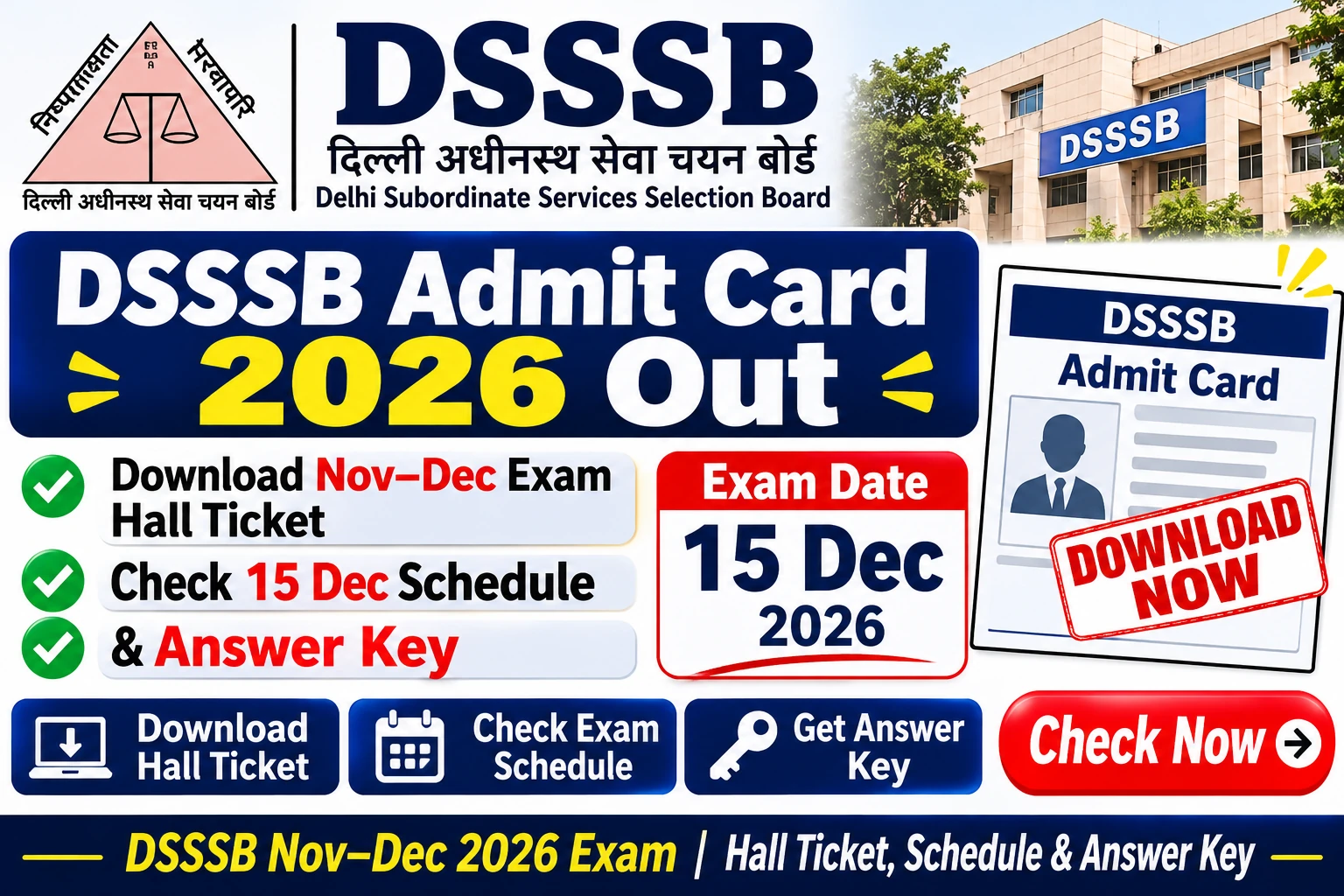
DSSSB Admit Card 2026: The Delhi Subordinate Services Selection Board (DSSSB), Government of NCT of Delhi, has activated the e-Admit Card download links for various posts scheduled for examination through November and December 2026. Candidates enrolled for ongoing recruitment cycles—including examinations scheduled from 27 October to 05 December 2026 and the upcoming 15 December 2026 exam cycle—can now download their hall tickets online.
In addition to releasing new admit cards, DSSSB has also published tentative and final Answer Keys (including for Multi Tasking Staff — MTS, Post Code 804/26 Assistant Section Officer, and July/September 2026 cycles) on its official website dsssb.delhi.gov.in. Since DSSSB does not dispatch physical admit cards by post, every applicant must download and print their e-Admit Card online before appearing at the test centre.
DSSSB Various Post Admit Card & Exam 2026: Key Overview
| Particulars | Details |
|---|---|
| Conducting Body | Delhi Subordinate Services Selection Board (DSSSB), Govt. of NCT of Delhi |
| Board Headquarters | FC-18, Institutional Area, Karkardooma, Delhi – 110092 |
| Posts Covered | Various Teaching, Non-Teaching, Ministerial, Technical & Uniformed Posts |
| Active Exam & Admit Card Windows | 27 October to 05 December 2026 & 15 December 2026 |
| Mode of Examination | Computer-Based Test (CBT) / PET / Skill Test (as per Post Code) |
| Admit Card Fee | No Fee to Download Admit Card (Objection fee applies only for Answer Key challenges) |
| Official Websites | dsssb.delhi.gov.in / dsssbonline.nic.in |
Recent DSSSB Exam Schedules, Admit Cards & Answer Keys (2026)
DSSSB conducts examinations throughout the year for multiple advertisement cycles (spanning 2022 to 2026). Below is a consolidated snapshot of the major active admit card, exam schedule, and answer key updates:
| Update Type | Exam / Post Code Details | Current Status |
|---|---|---|
| Upcoming Exam Notice | DSSSB Various Post Examination Scheduled on 15 December 2026 | Schedule Released |
| e-Admit Card Active | DSSSB CBT Exams Scheduled from 27 October to 05 December 2026 | Download Link Active |
| Answer Key & Objection | Grade-II (GNCTDSS) / Assistant Section Officer (Post Code 804/26) & MTS | Objection Link Live |
| Skill Test / PET Updates | Warder (Post Code 15/25) PET & Assistant Superintendent (32/25) PET | Schedule / Admit Card Issued |
| Earlier 2026 Cycles | Exams held in July–October 2026 (Post Codes 812/24, 33/25, 34/25, 35/25, 36/25, 39/25) | Answer Keys / Marks Released |
How to Download DSSSB Admit Card 2026? (Two Official Methods)
Depending on the advertisement cycle and examination agency portal, DSSSB issues e-Admit Cards through two primary login systems. Follow the method that matches your Post Code:
Method 1: Via the DSSSB Applicant Login Portal (Digialm Link)
For recent CBT cycles (including the November–December 2026 examinations), DSSSB provides a dedicated Applicant Login Portal. Follow these steps carefully:
- Open the official DSSSB Applicant Login Page.
- Enter your Application Number in the first field.
- Enter your User Password. (Important: If you are logging in for the first time, your Date of Birth in DD/MM/YYYY format acts as your default password. After signing in, the portal requires you to set a strong new password of at least 8 characters combining uppercase letters, lowercase letters, numbers, and a special symbol—for example, Pass@1234).
- Type the displayed numeric Captcha code and click Login.
- Once inside your dashboard, select the Admit Card tab, download your PDF hall ticket, and print it on A4 paper.
Method 2: Via the DSSSB OARS Portal (dsssbonline.nic.in)
For cycles hosted directly on the Online Application Registration System (OARS), use the Generate/Print e-Admit Card portal:
- Visit dsssbonline.nic.in and click on Generate/Print eAdmit Card.
- Log in using your Application Number and Date of Birth (or sign in to your OARS account using your Date of Birth, Class 10 Roll Number, Class 10 Passing Year, and Password).
- Click the Generate Admit Card link displayed at the top of your dashboard to save your call letter.
Forgot Your DSSSB Application Number or Password?
Many applicants misplace their application number when exams take place months after registration. If you cannot locate your Application Number, visit the Know Your Registration / Application Number tool on the OARS portal. Enter your Date of Birth, Class 10 Roll Number, and Passing Year to retrieve your OARS registration ID and log back into your account to view your submitted application history.
How to View DSSSB Question Paper & Challenge Answer Keys?
Candidates who appeared for recent DSSSB exams (such as Post Code 804/26 or MTS) can also review their recorded responses and challenge provisional answers:
- Visit dsssb.delhi.gov.in and click on the active Objection Link for your Post Code.
- Log in with your Application Number and Date of Birth / Password.
- View your response sheet alongside the official provisional answer key.
- If you find an incorrect answer, submit an online objection with supporting documentary proof and pay the prescribed per-question objection fee before the deadline.
Details to Verify on Your DSSSB e-Admit Card
Immediately after downloading your hall ticket, inspect every detail carefully so there are no surprises at the exam centre:
- Candidate’s Full Name, Father’s/Mother’s Name, and Category
- Application Number, Roll Number, and Post Code
- Candidate’s Photograph and Signature
- Exact Examination Date, Shift Timing, Reporting Time, and Gate Closing Time
- Complete Address of the Allotted Examination Centre in Delhi NCR
Facing Errors or Download Issues? If your admit card shows incorrect personal details or fails to download before your exam date, contact the DSSSB office at FC-18, Institutional Area, Karkardooma, Delhi – 110092 or email dsssb-secy@nic.in well ahead of your examination date.
Mandatory Documents & Exam Day Guidelines
Strict entry and biometric verification rules apply at all DSSSB examination centres across Delhi. Keep the following checklist ready:
- Printed e-Admit Card: Carry a clear printout (either colour or black-and-white on A4-size paper—colour is recommended for photo clarity).
- Original Valid Photo ID Proof: Carry an original government-issued ID such as Aadhaar Card, PAN Card, Passport, Voter ID, or Driving License matching your admit card details.
- Preserving the Invigilator-Signed Admit Card: Do not throw away your admit card after the exam! You must get the invigilator’s signature on your e-Admit Card inside the exam hall and preserve that signed copy safely, as DSSSB requires it during the e-Dossier / Document Verification stage.
- Prohibited Items: Mobile phones, smartwatches, calculators, Bluetooth devices, wallets, bags, and metallic ornaments are strictly barred inside the test lab.
| Some Useful Important Links | |
|---|---|
| Download Admit Card | Click Here |
| Official Website | Click Here |
Disclaimer: OfficialSarkariNaukri.com is an independent educational portal and is not affiliated with any government agency. Please verify your exam date, shift timing, and hall ticket instructions directly on the official commission website.